
If you have access to Product Reports in Elite, you will be able to view report 208.
This report provides a full audit trail of adjustments to your inventory. All adjustments that you make to your stock levels are listed here.
1. Click the left Hamburger menu icon.
2. Open the Products menu.
3. Click on Product Reports.
4. Select report 208 - Stock Adjustments Audit Trail, by clicking on it.
5. Click on the "Show Report" button.
6. You can change the report date that will reflect on the report.
7. This report can be filtered by the following:
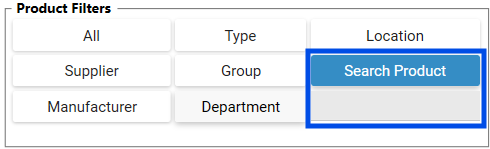
Product Filters: |
Search Product: |
Adjustment Type: |
Date: |
Ignore Non-Stock items: |
8. Click on the Fetch button.
9. This report can be exported to the following file formats: Microsoft Excel and Acrobat PDF.